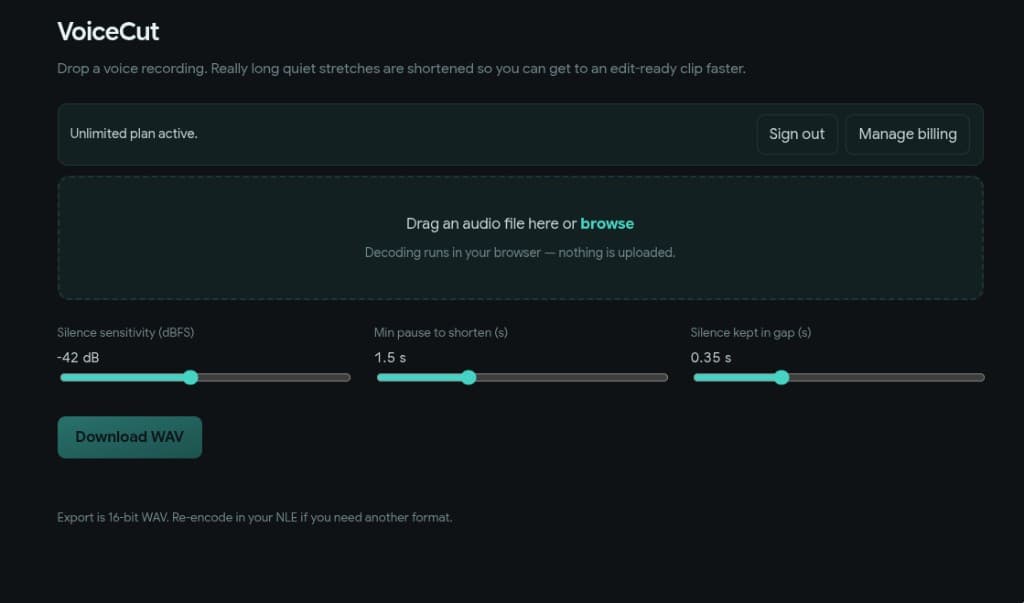
Tune silences locally
Dial in how aggressive detection is and how long a pause must be before VoiceCut trims it. Processing stays in the tab—your audio is not uploaded to a server.
Upload a recording and tighten the long quiet stretches—all in your browser, with your file staying on your device. Export a WAV when it sounds right.
Dial in how aggressive detection is and how long a pause must be before VoiceCut trims it. Processing stays in the tab—your audio is not uploaded to a server.
The original take and the shortened version sit side by side. Preview the cut, then download a 16-bit WAV for your editor—or keep refining until you are happy.
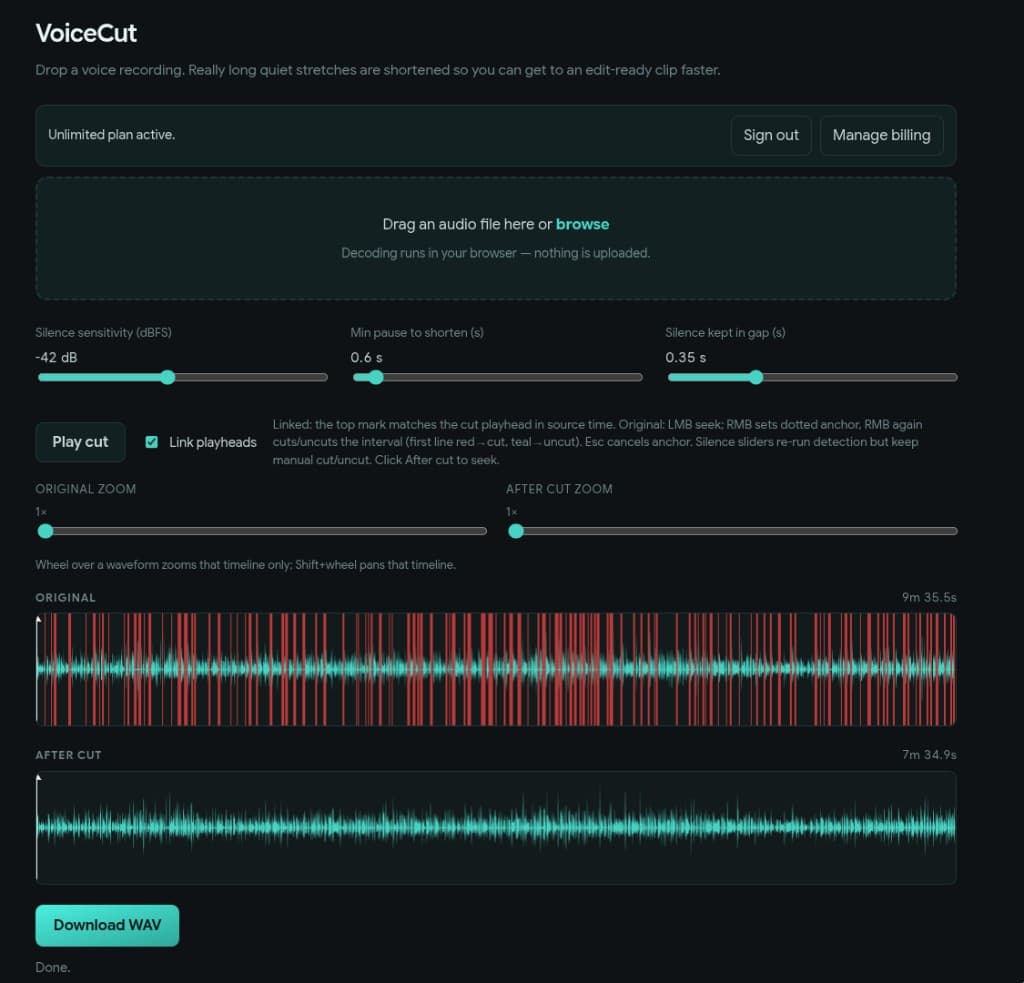
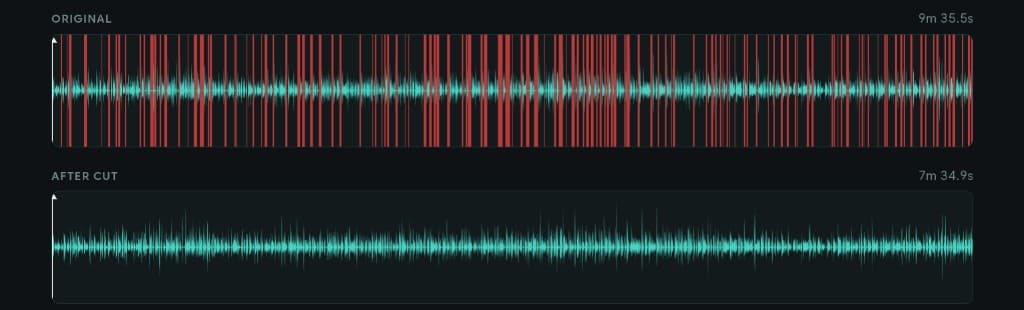
Red highlights show the gaps VoiceCut will remove on the original track. The lower track is the shorter result, with durations on screen so the difference is easy to read.
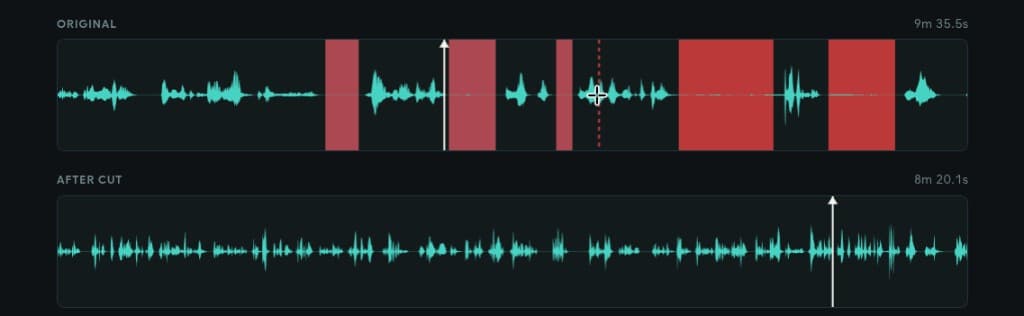
Mark a spot on the original and choose what stays or goes. Press Esc to clear it. Changing the silence sliders runs a fresh scan without wiping hand-tuned edits. Turn on linked playheads to keep both timelines in step while you preview.
Hear the shorter cut in minutes—open the live app and try it on your next take.
Open VoiceCut